Payments built into your booking flow
Connect Stripe once. Charge deposits, full payment, or nothing at booking — per service. No-show fees, refunds, tips, and dispute management are all handled in tilkbook.
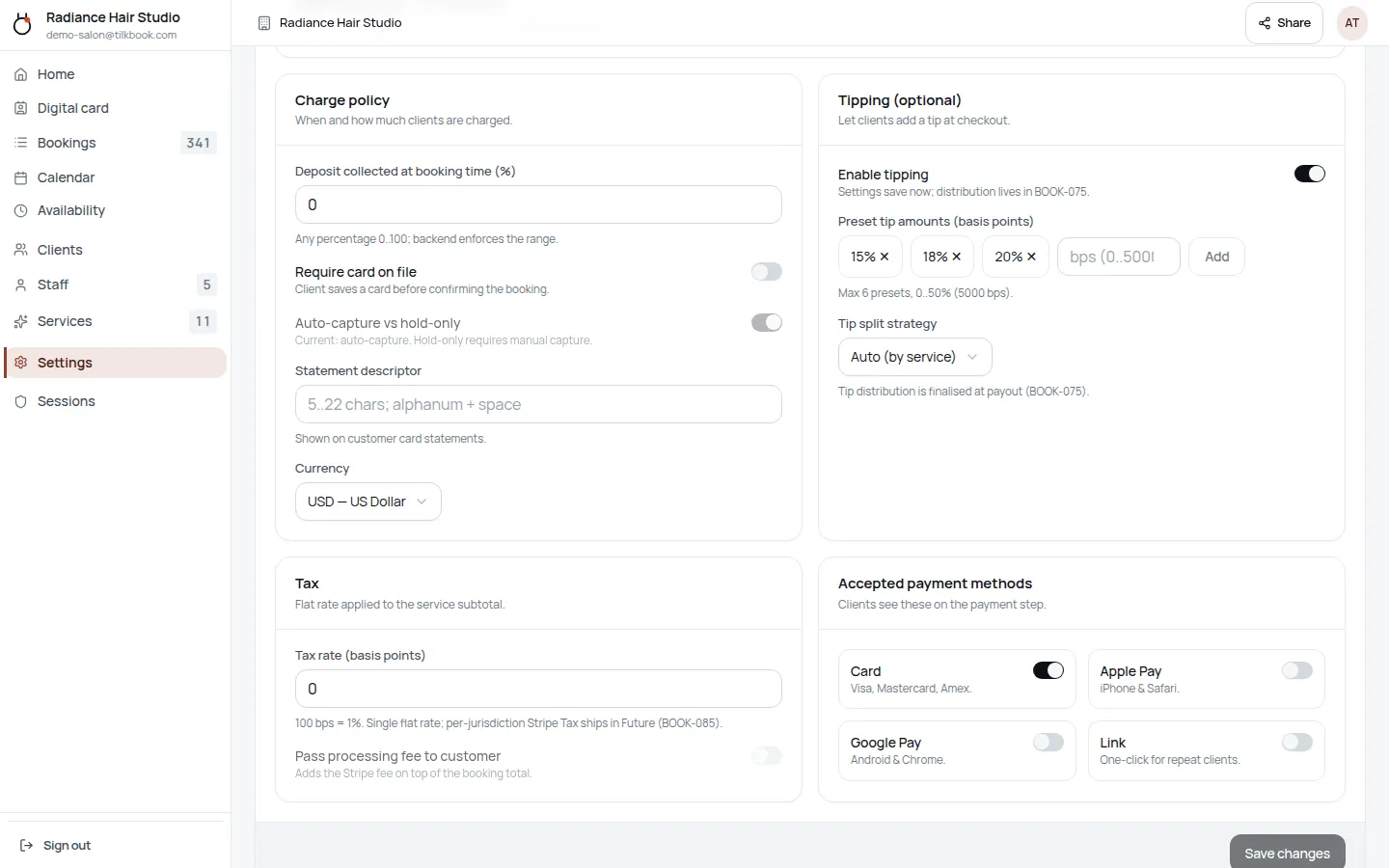
What payment features does tilkbook include?
- Deposits. Require a flat or percentage deposit when the client books. The slot is only held once the deposit clears.
- Full payment at booking. Charge the full service price upfront for services where you prefer it.
- No-show fee auto-charge. Mark an appointment as a no-show and tilkbook charges the configured fee against the saved payment method automatically.
- Refunds. Issue full or partial refunds from the tilkbook dashboard — they flow through Stripe without manual intervention.
- Tips. Clients can add a tip at checkout. Tips are tracked separately in reporting.
- Discount codes. Create flat or percentage promo codes with expiry dates and usage limits.
- Dispute management. View open disputes and submit evidence directly from tilkbook.
- Payout tracking. See payouts, balances, and transaction history in one place.
Frequently asked questions
- Which payment processor does tilkbook use?
- Stripe. tilkbook uses Stripe Connect — your business gets its own Stripe account and payouts go directly to your bank. tilkbook never holds your funds.
- What are the fees?
- You pay standard Stripe processing fees (2.9% + 30¢ in the US). tilkbook adds 0% on paid plans.
- Does tilkbook support Apple Pay and Google Pay?
- Yes — Stripe Checkout supports Apple Pay and Google Pay automatically. Available payment methods depend on your Stripe account country.
- Can I take a deposit and charge the balance later?
- Yes. Set a deposit amount per service. The remaining balance can be captured at the appointment from the tilkbook dashboard.